
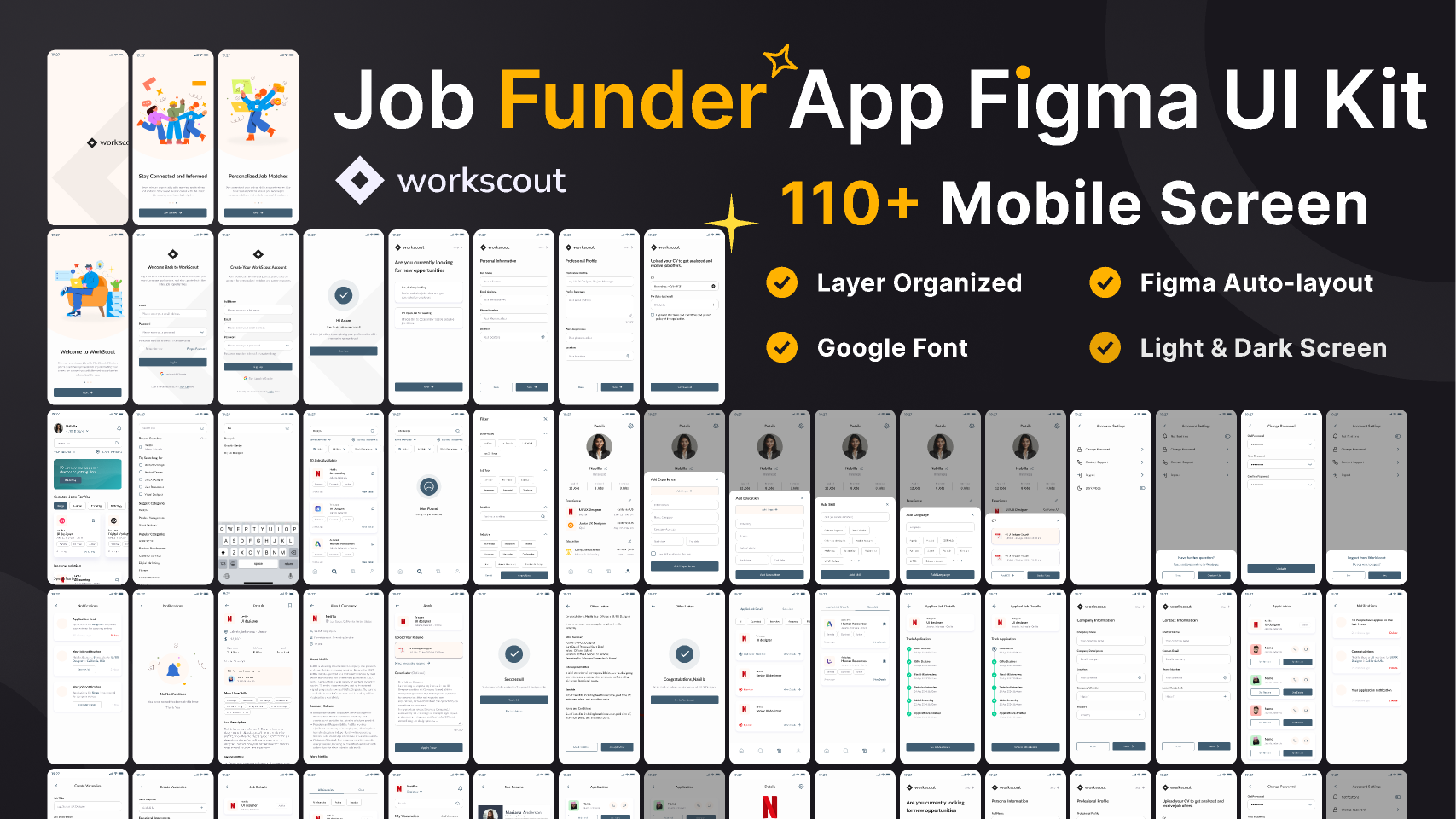
WorkScout Job Funder App Figma UI Kit 100% Free (AI-Powered Job Funder Platform
Validity: 365 Days
Template Description
License Terms
Delivery Format
Designing the UI for a Job Funder App involves creating a seamless and intuitive experience for both employers (funders) and job seekers. The app should allow employers to post jobs, fund talent acquisition, and streamline the recruitment process, while job seekers can find opportunities and track funding status.\r\n\r\n1. Onboarding / Welcome Screen\r\nPurpose: To introduce the app and guide users through the sign-up process.\r\nElements:\r\nWelcome message with brief app description.\r\nSign-up/Login options (with email, social media, or LinkedIn integration).\r\nBrief walkthrough of app features (for first-time users).\r\n2. User Profile Setup\r\nFor Employers:\r\n\r\nCompany name, logo, and description.\r\nIndustry, size, and location of the company.\r\nPayment methods for funding job postings and recruitment.\r\nAbility to post job offers and manage funding.
Tags\r\n\r\nDashboards\r\nSign up\r\n#app de\r\n#desi\r\n#design s\r\n#fig\r\n#figma\r\n#free\r\n#job\r\n#kit\r\n#page\r\n#tem\r\n#ui\r\n#ux