
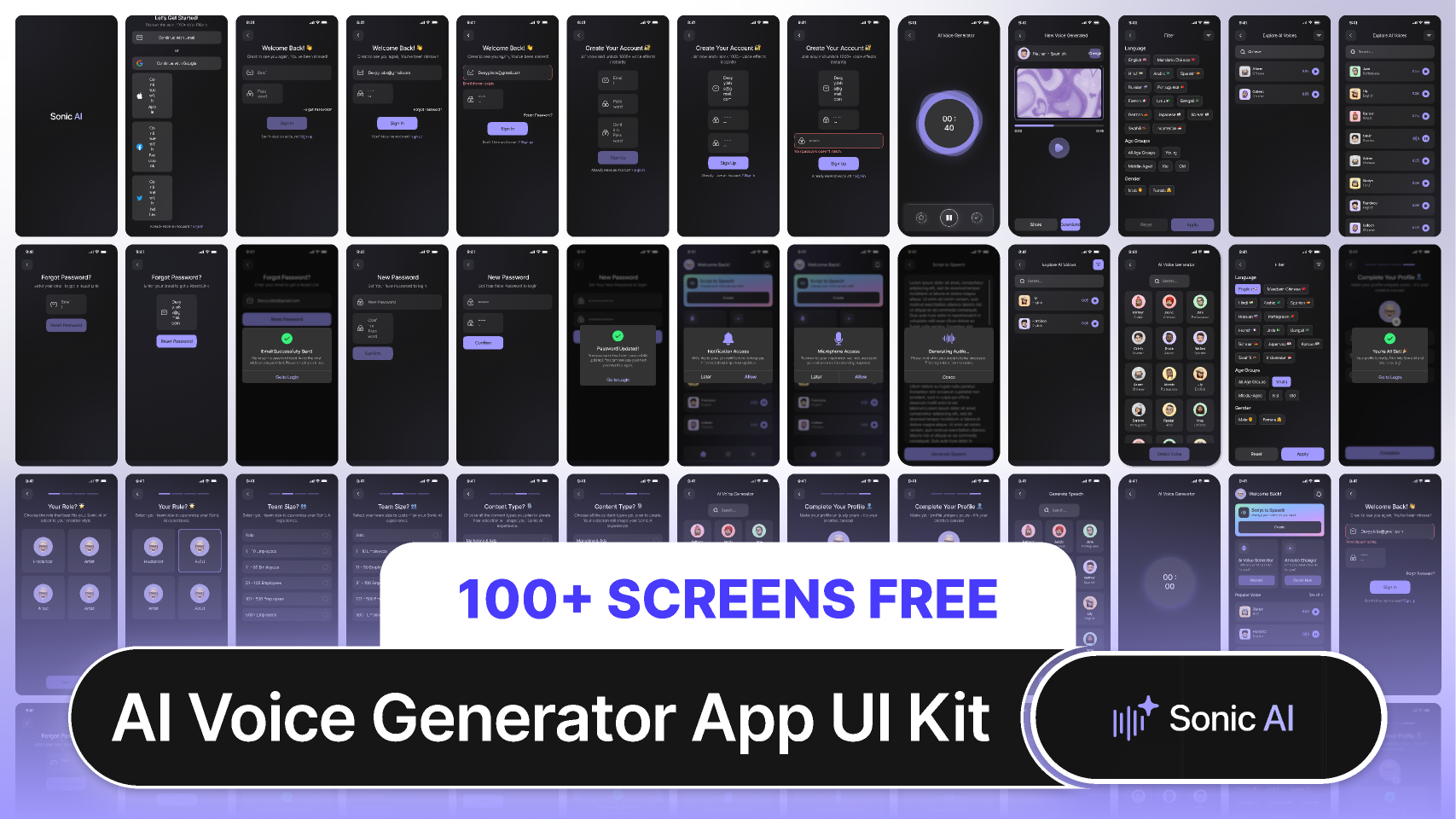
Sonic AI - AI Voice Generator App UI Kit v 1.0 100% Free (AI-Powered Voice Generation
Validity: 365 Days
Template Description
License Terms
Delivery Format
Designing a UI for an AI Voice Generator App involves creating an interface that makes voice generation accessible, customizable, and user-friendly for various applications, such as voiceovers, audiobooks, virtual assistants, or accessibility tools.\r\n\r\n1. Onboarding/Welcome Screen\r\nPurpose: Introduce the app and guide users through the initial setup.\r\nElements:\r\nWelcome message with a brief overview of the app\'s capabilities.\r\nSign-up/Login options (email, social media, or single sign-on options like Google or Facebook).\r\nBrief tutorial or tips on how to use the voice generation features.\r\n2. User Profile Setup\r\nPurpose: Allow users to customize their experience.\r\nElements:\r\nVoice Preferences: Set default voice type, language, and accent (e.g., Male, Female, British, American).\r\nCustom Voice Settings: Fine-tune tone, pitch, speed, and volume of the generated voice.\r\nPersonal Information: Name, profile picture, and preferences (e.g., frequently used voices or content types).\r\n3. Main Dashboard\r\nPurpose: Display quick access to core features like voice generation, saved projects, and settings.
Tags\r\n\r\n#ai\r\n#and\r\n#app\r\n#desi\r\n#design\r\n#fig\r\n#figma\r\n#free\r\n#kit\r\n#tem\r\n#ui\r\n#ux